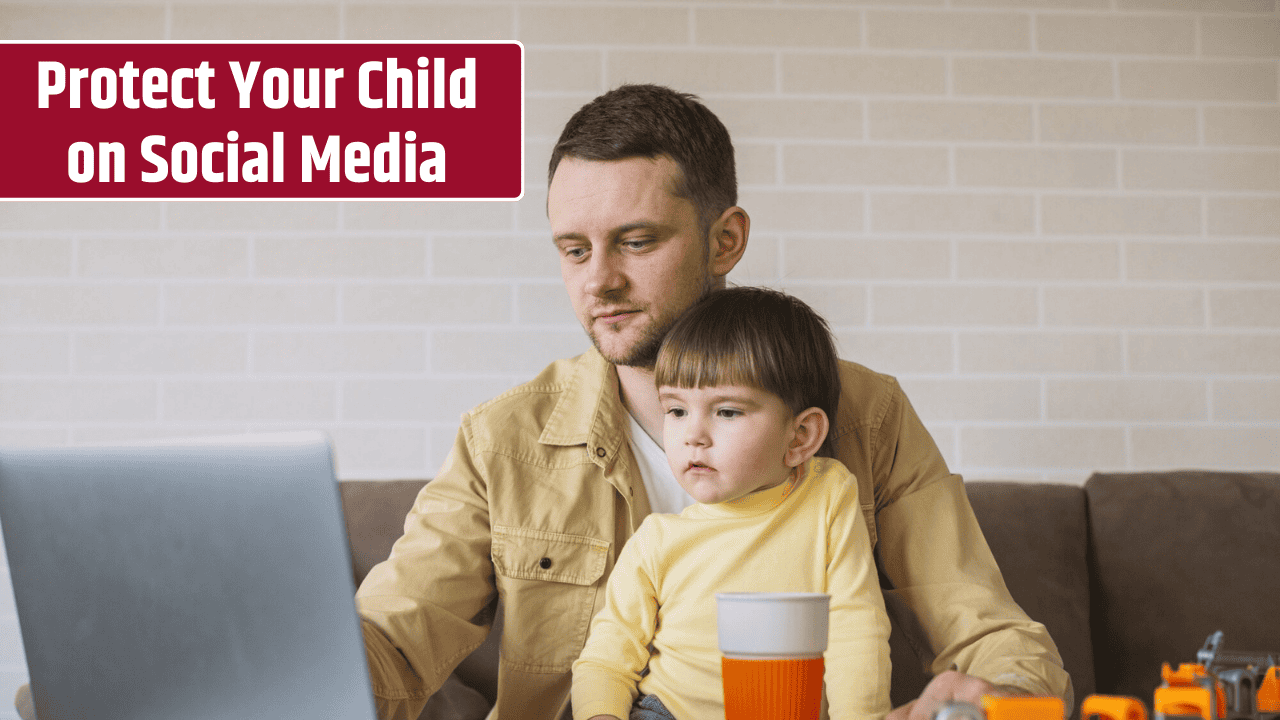
The internet is an incredible place for learning, creativity, and connection—but it’s also filled with hidden risks, especially for children. Social media has become a major part of kids’ lives, shaping how they communicate, play, and form identity. Yet without proper guidance, it can expose them to cyberbullying, online predators, privacy breaches, and harmful content. This guide will help parents understand how to keep their kids safe on social media while encouraging healthy, responsible use.
Understand the Risks Before They Log On
Before setting up an account, parents need to understand what makes social media risky for children. Common concerns include:
- Cyberbullying: Children may experience harassment, exclusion, or rumor-spreading online.
- Predators and Grooming: Strangers can exploit social platforms to contact, manipulate, or exploit kids.
- Privacy Exposure: Kids often overshare personal information like their school, location, or contact details.
- Mental Health Impact: Constant comparison, likes, and validation loops can cause anxiety, depression, and low self-esteem.
- Inappropriate Content: Violence, explicit material, and misinformation are only a few clicks away.

Awareness of these risks empowers parents to make smarter decisions about when and how their kids go online.
Set Age-Appropriate Boundaries
Every child matures at a different pace. While most major platforms—such as TikTok, Instagram, Snapchat, and YouTube—require users to be 13 years or older, many kids start younger. Parents should assess readiness based on emotional maturity, responsibility, and understanding of privacy.
Create clear household rules for social media use:
- What platforms are allowed
- How much screen time per day
- When and where devices can be used (e.g., no phones in bedrooms at night)
- Consequences for breaking online safety rules

Use family agreements that are written and revisited regularly. They promote accountability and open discussion rather than strict enforcement.
Monitor Without Spying
Supervision is essential, but kids value privacy, too. The key is transparency—tell them you’re monitoring their activity for safety, not control.
- Friend or follow your child on the apps they use most.
- Review their privacy settings together—ensure accounts are private and location tracking is off.
- Check direct messages and friend lists periodically.
- Consider using parental control tools like Qustodio, Bark, or Apple Screen Time for alerts about risky content or interactions.
The goal isn’t to invade their digital space—it’s to help them build healthy online habits that eventually lead to self-regulation.
Teach Smart Posting Habits

Help kids think critically before they post. A simple rule works: “If you wouldn’t say it face-to-face or show it to your teacher, don’t post it.”
Key lessons include:
- Never share full names, addresses, or school details publicly.
- Avoid posting photos that reveal personal locations (like school logos or house numbers).
- Think twice before sharing images of friends—get consent first.
- Remember that screenshots and reposts can make “private” posts permanent.
Teach kids that online actions have real-world consequences and that reputation management starts early.
Discuss Online Friends and Strangers
Children may not always recognize grooming or manipulation tactics. Encourage open conversations about who they’re talking to online and what’s appropriate.
Explain that:
- Not everyone online is who they claim to be.
- Real friends don’t pressure you to share private photos or secrets.
- It’s okay to block or report anyone who makes them uncomfortable.
Reinforce that they can always come to you—without fear of punishment—if something online feels wrong or confusing.
Encourage Digital Balance and Emotional Awareness
Constant screen time can overstimulate and isolate kids. Promote digital balance by encouraging offline hobbies—sports, music, reading, or volunteering.
Check in on how social media makes your child feel. If you notice mood swings, anxiety, or withdrawal, it might be time for a break or parental intervention. Apps like TikTok and Instagram now offer built-in screen-time reminders—use them together to encourage mindfulness.
Lead by Example
Children model adult behavior. Show them what healthy digital habits look like:
- Don’t scroll during meals or family time.
- Keep your posts positive and respectful.
- Limit your own screen time and model balance.
When parents practice what they preach, kids are more likely to follow suit.
Stay Updated on Trends and Apps
Social media platforms evolve quickly. Stay informed about new apps, viral trends, and online slang. Resources like Common Sense Media and ConnectSafely.org offer app reviews and safety tips tailored for parents.
Regularly check for updates to app privacy settings—companies often change policies that can affect data sharing or exposure to strangers.
FAQs
At what age should my child start using social media?
Most experts recommend waiting until at least 13, but maturity matters more than age. Start with supervised, limited use.
How can I tell if my child is being cyberbullied?
Watch for sudden mood changes, secrecy about devices, loss of interest in activities, or avoiding school. Encourage them to talk openly.
Should I let my child have a public profile?
Private accounts are safest. Public profiles increase exposure to strangers and online scams.
What’s the best parental control app?
Apps like Bark, Qustodio, and Family Link allow monitoring of social media, screen time, and online behavior while promoting transparency.
How can I report suspicious behavior online?
Use the platform’s built-in reporting tools or contact the National Center for Missing & Exploited Children (CyberTipline.org).